Model
Navigate to the Advanced Options pane on the left side of your screen. On the top of Advanced Options, navigate to the Models tab.
📘 What are models?
Models are the unit of measure for an atomic model building process. When the model building process is complete, the model is the final built list of gold-layer objects to be used for end processes, such as reporting, AI workflows, or uses.

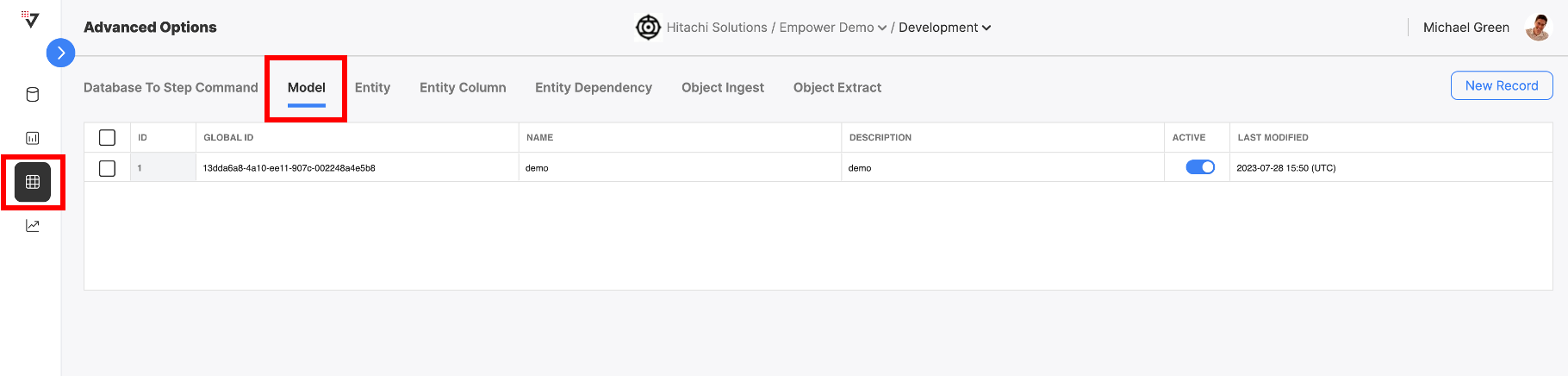
This table displays a list of all models currently in your environment. You can view a model's name, description, and toggle it active or inactive.
Create a Model
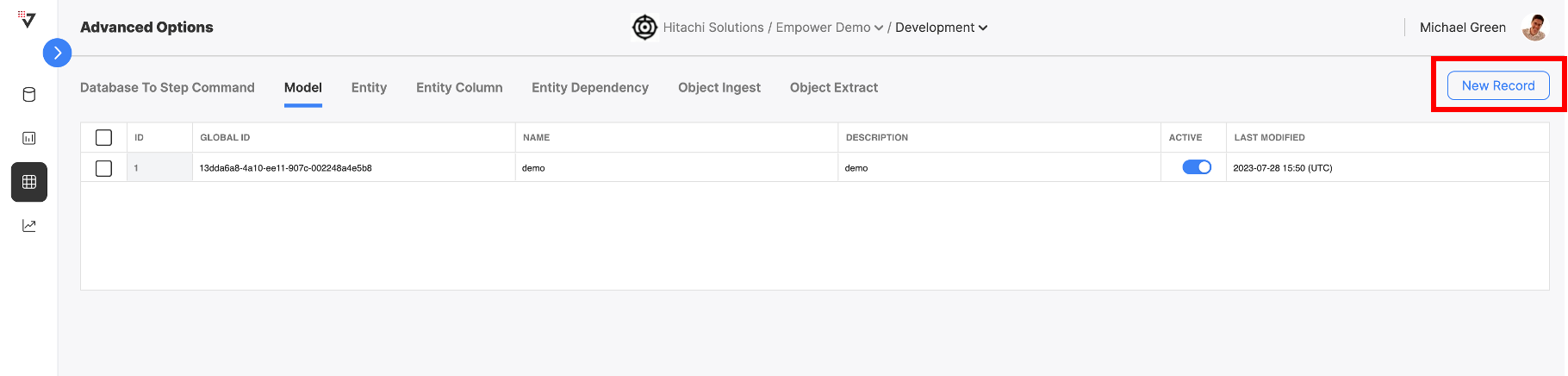
To create a new model, click on "NEW RECORD"
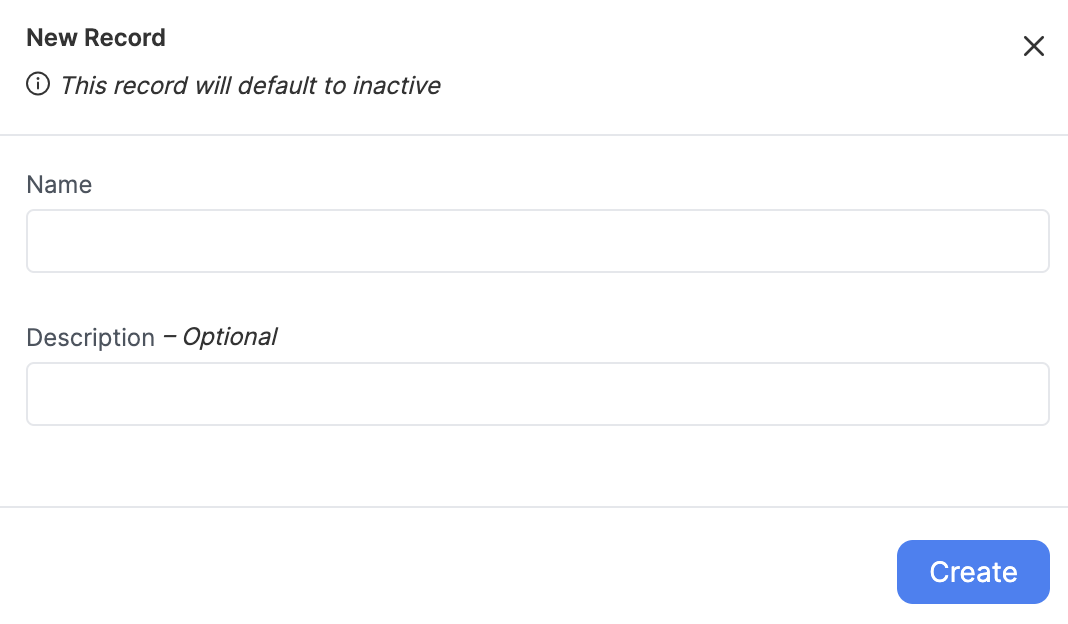
Fill out the fields for name and description. We recommend using a name that is descriptive of the model's end-purpose. Then click "CREATE" to create the new model.
You can see this new model exists in the Model tab.
👍 Activate your Model!
Make sure to toggle the model ACTIVE in order to start using it. Inactive models will not be built by the Empower system.

Model Table Fields
| Field Name | Description | Can Modify | Example |
|---|---|---|---|
| ID | The ID of this model | ❌ | 1 |
| Global ID | The Global ID of this model | ❌ | 13dda6a8-4a10-ee11-907c-002248a4e5b8 |
| Name | The name of this model | finance | |
| Description | A short description about this model | A financial model for BU 1 | |
| Active | A toggle defining model enablement for {user.glossary:Load Group} triggering | (Toggle) | |
| Last Modified | ❌ |