Adding Users to SSO
User Access and Permissions
Navigate to your Empower application in Microsoft Entra.
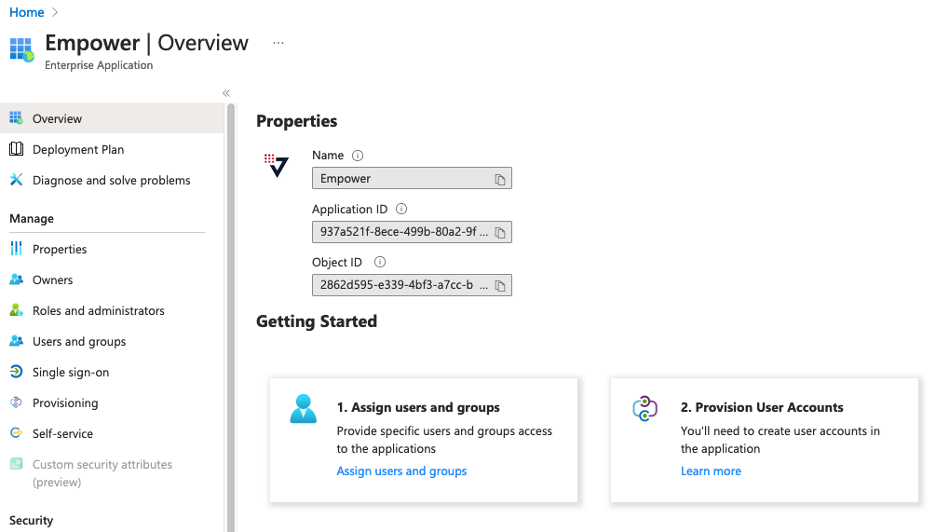
On the Overview page, select Users and Groups on the left navigation bar.

User access and permissions can be managed by owners of the Empower App in your organization. An Empower-Admin has access to every operation that can be executed in Empower. Furthermore, Empower-Access users have read-only access to all organizations and pages in Empower. These global permissions should not be granted to most users. see fine-grain access controls for most user access.